Hole and shaft recognition
Tells whether a cylindrical face is a hole or a shaft and reports diameter, depth or shaft length, with a matching screw suggestion.
 MeasureCAD
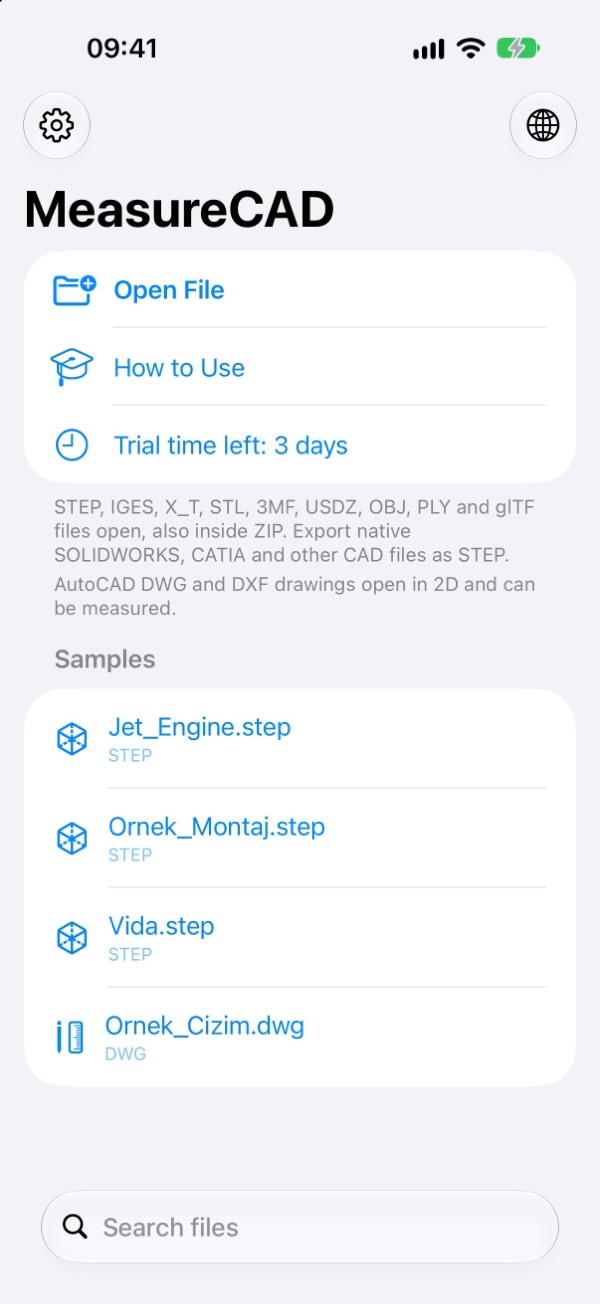
Your CAD files in your pocket. Open STEP, IGES and STL models without a computer, measure precisely, convert, and create a toleranced technical drawing.
Coming soon to the App StoreAvailable in 22 languages · iPhone · iPad
Measurement
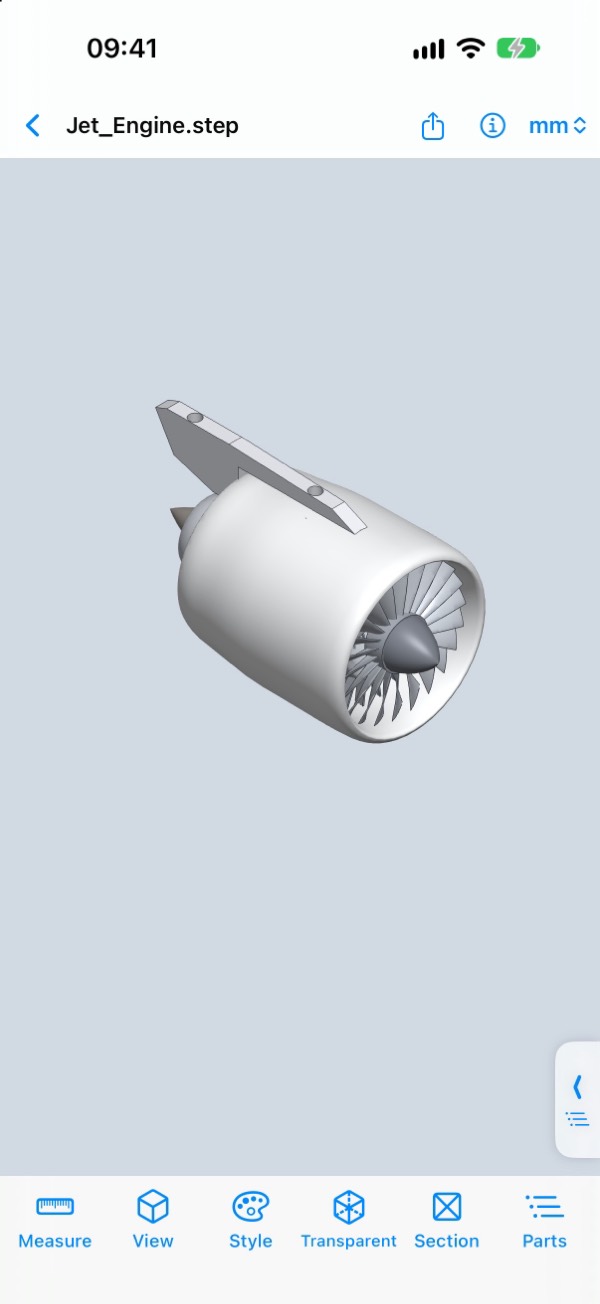
Measurements come from the model's exact geometry, not the triangle mesh. Tap a face, edge or point; a second pick gives distance, angle and centre-to-centre distance.
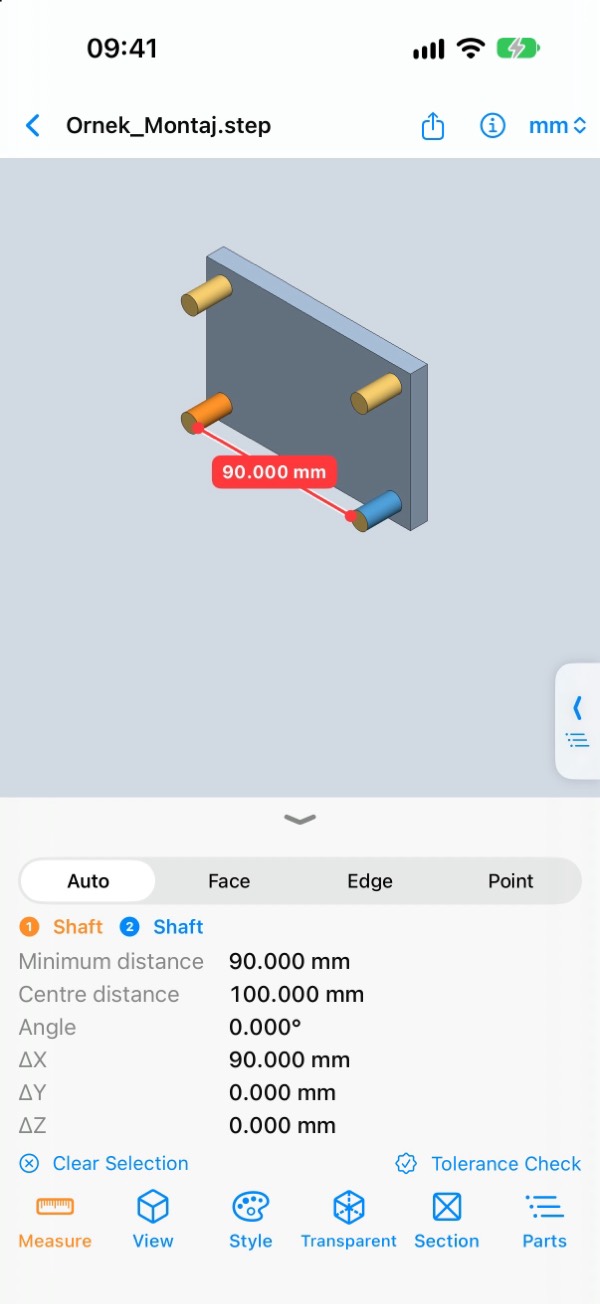
Tells whether a cylindrical face is a hole or a shaft and reports diameter, depth or shaft length, with a matching screw suggestion.
Pick a hole and a shaft to get the closest ISO fit, the diametral clearance and a clearance suggestion for 3D printing.
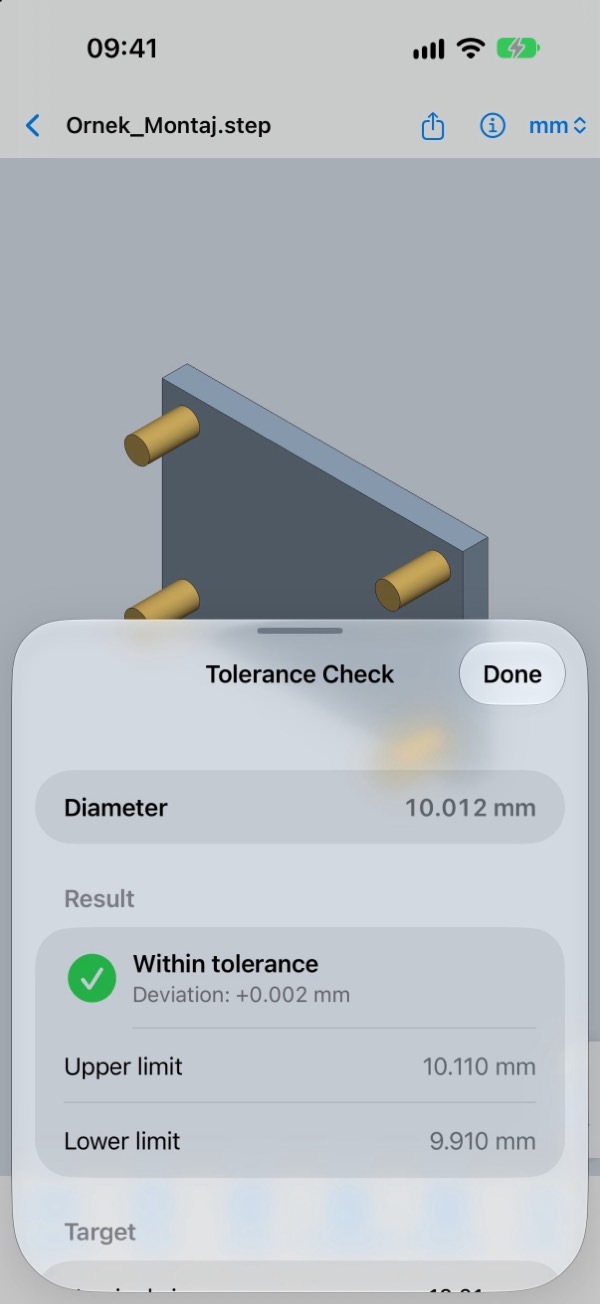
Enter a target size with upper and lower deviation or an ISO 286 class; green or red shows whether the measurement is within tolerance.
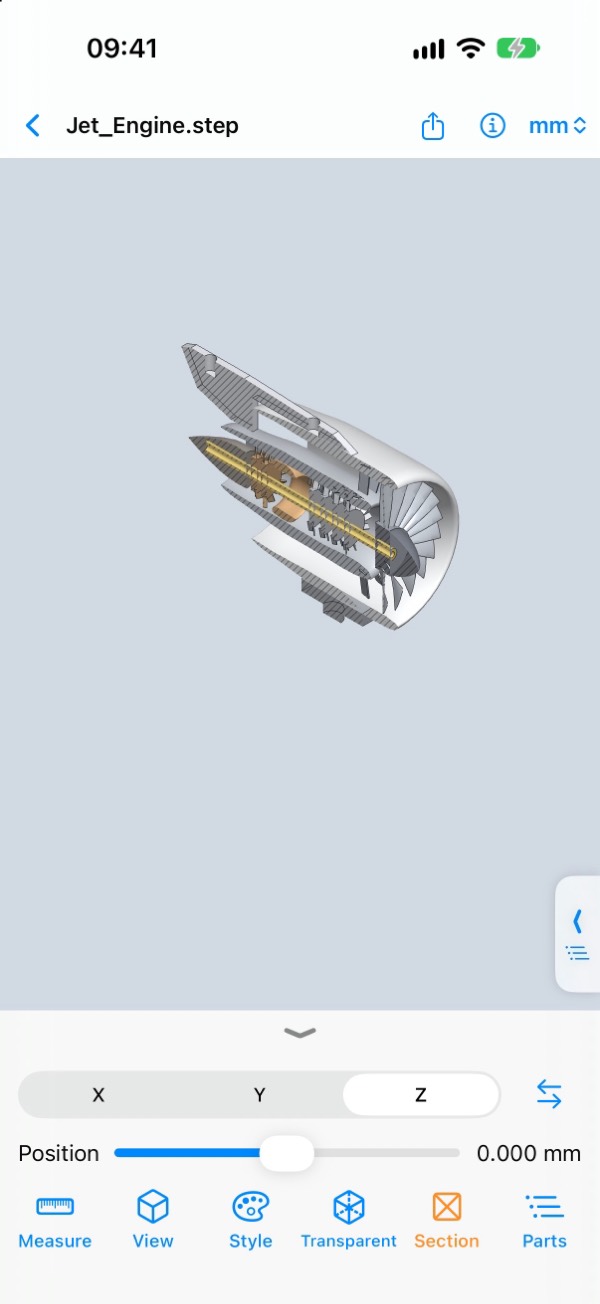
14 materials plus custom density. Section, explode, hide and transparency for assemblies. Measurements are shared as a PDF report.
Technical drawing
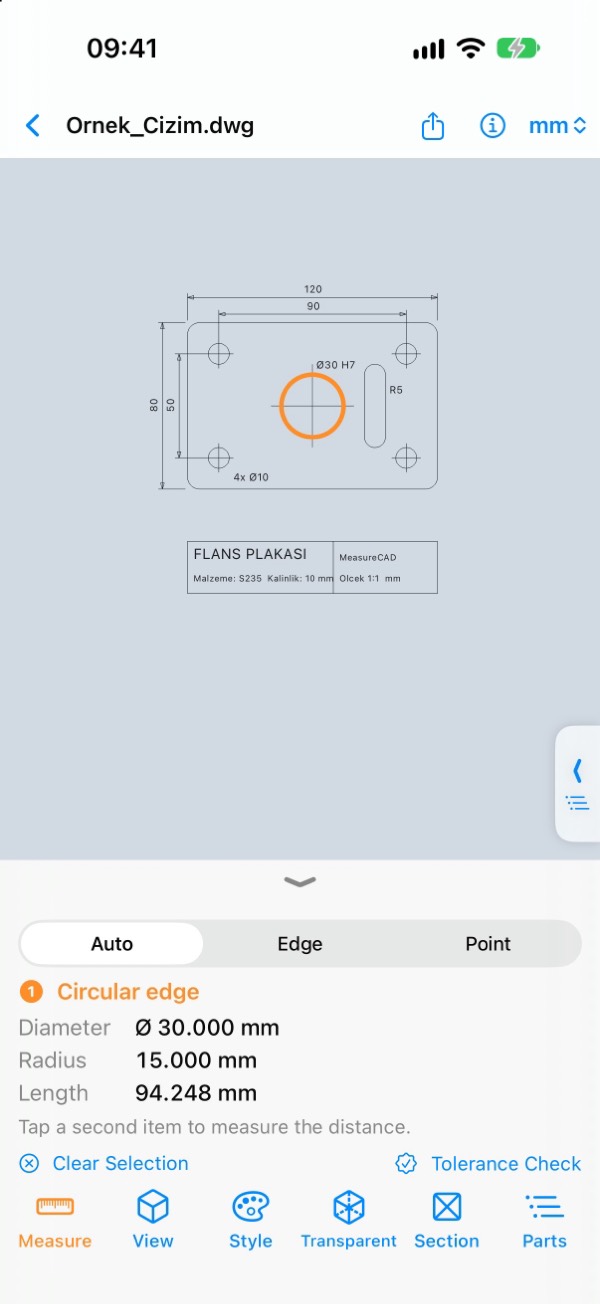
Front, left, top and isometric views of the selected part or the whole assembly are drawn with hidden lines in ISO first-angle layout. Dimensions go on the sheet, every feature goes into the tolerance table.
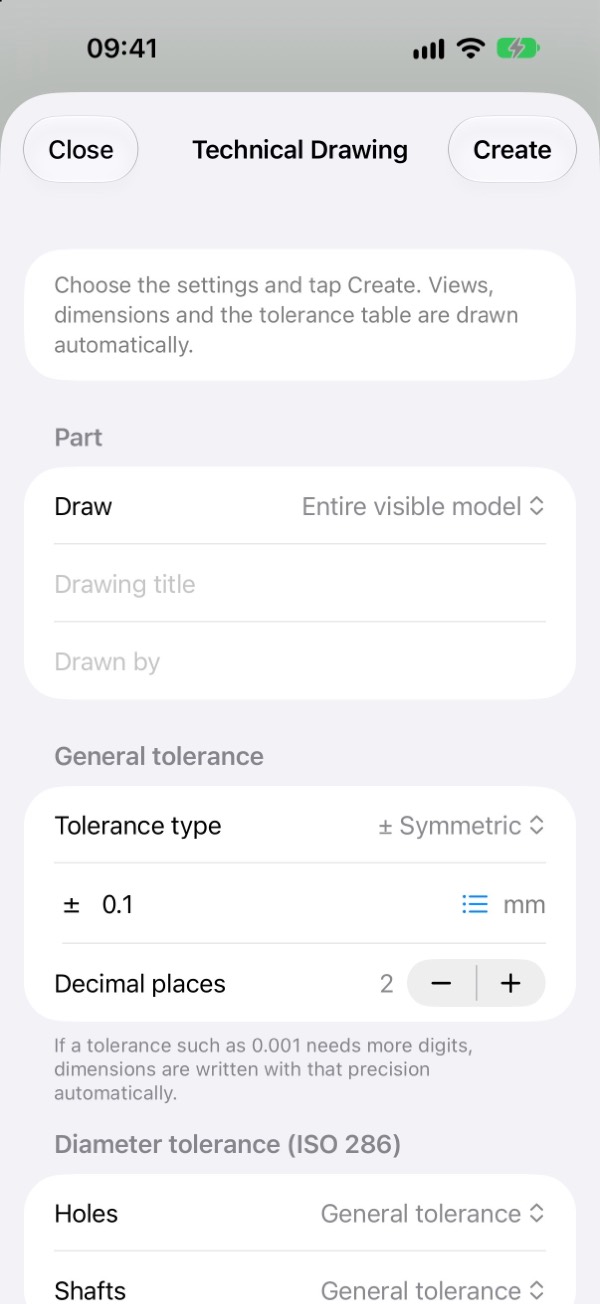
Symmetric like ±0.001, different deviations like +0.02 / −0.01, or ISO 2768 f, m, c, v. Decimals follow the tolerance automatically.
H7, H8, H9, H11 for holes; h6, h7, h9, g6, f7, k6, js7 for shafts. Upper and lower limits are calculated in the table.
A4 or A3 landscape PDF; the layered DXF file opens in AutoCAD and other drafting programs.
Conversion
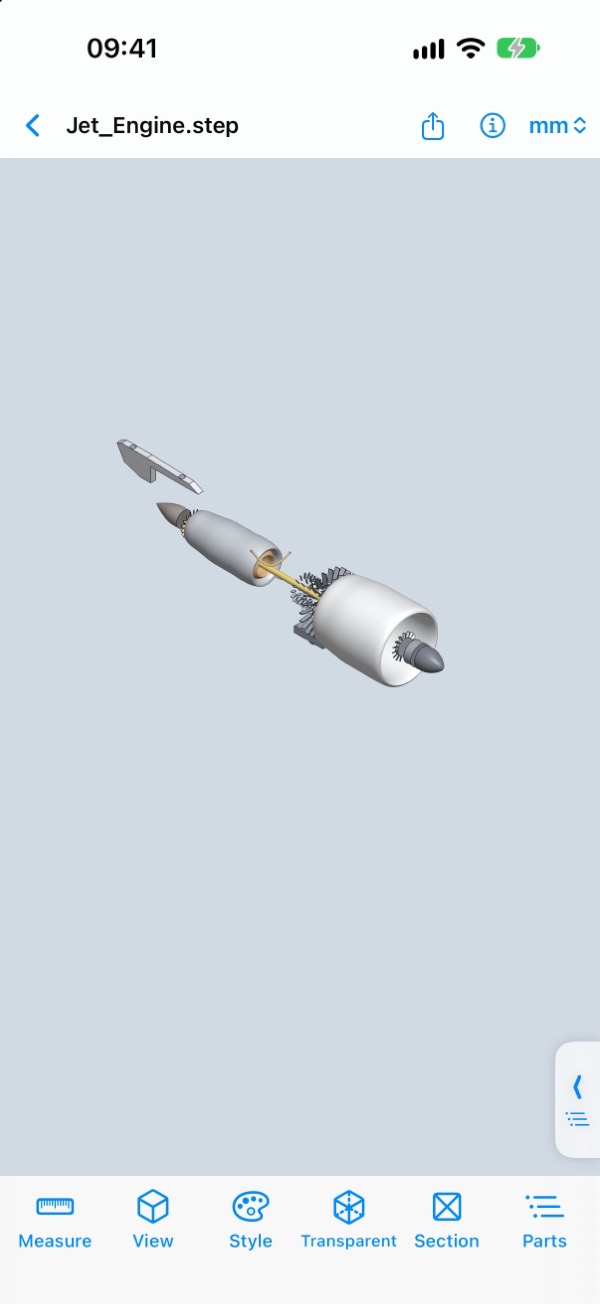
Parts you hide in the assembly are not written. 3MF keeps part names and colours; OBJ makes each part a separate object.
The triangle mesh is sewn into a solid body and written as STEP/IGES (up to 60,000 triangles).
Writing Parasolid and SOLIDWORKS part and assembly files requires those programs' paid licences. Export them as STEP or X_T and open them in MeasureCAD.
On site
PLA, PETG, ABS or nylon; grams, metres, cost and time based on infill and wall thickness.
Dimensions, volume and hole counts of two revisions side by side; changes in orange.
Draw with your finger or Apple Pencil, add a note and send it to a colleague.
Link a folder in Files or iCloud Drive; every CAD file inside is listed automatically.
Inspect the model at 1:1 scale on your desk in augmented reality.
Say “Open my last file in MeasureCAD” and pick up where you left off.
The iPad version runs on Apple silicon Macs with keyboard shortcuts. Sidebar and Apple Pencil on iPad.
No model is ever uploaded to a server. An optional app lock with Face ID. No ads, no tracking.
English, Turkish, German, French, Spanish, Italian, Portuguese, Russian, Arabic, Japanese, Korean, Chinese and more.
Try every feature free for 3 days. Offer codes can be redeemed in the app. Subscriptions renew automatically unless cancelled at least 24 hours before the end of the period.